Creating a cozy and productive home workspace is essential for anyone who spends a significant amount of time working from home. Whether you’re freelancing, studying, or managing tasks remotely, your environment can have a big impact on your focus, comfort, and overall efficiency. In this post, we’ll explore easy and effective tips to help you create a space that feels inviting and supports your best work.
Why a Cozy Workspace Matters
A home workspace that feels cozy encourages you to spend time there and reduces stress. When your space is comfortable and well-organized, you can concentrate better and maintain motivation throughout the day. A workspace that’s too sterile or cluttered, on the other hand, can make work feel like a chore or become a source of distraction.
Key Elements of a Cozy and Productive Workspace
1. Choose the Right Location
Your workspace should be in a quiet area of your home with minimal distractions. Ideally, pick a spot near natural light, such as close to a window, to help you stay alert and uplift your mood. If space is limited, consider using a corner of a room or a fold-away desk to make an efficient use of your area.
2. Invest in Comfortable Furniture
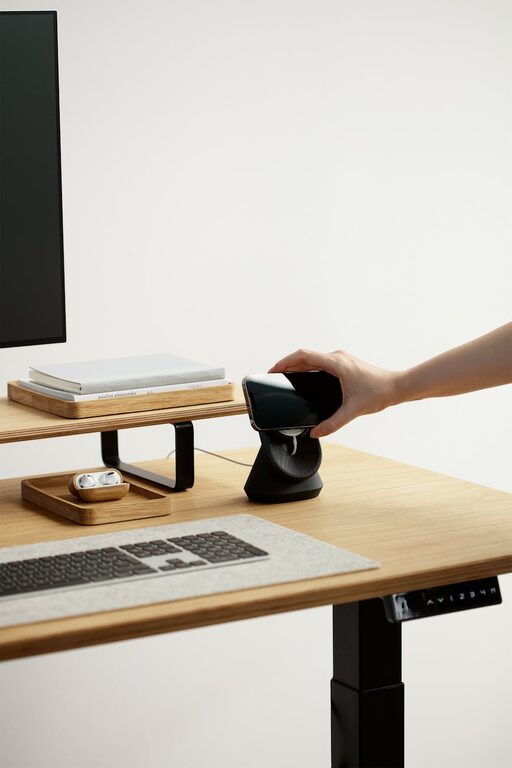
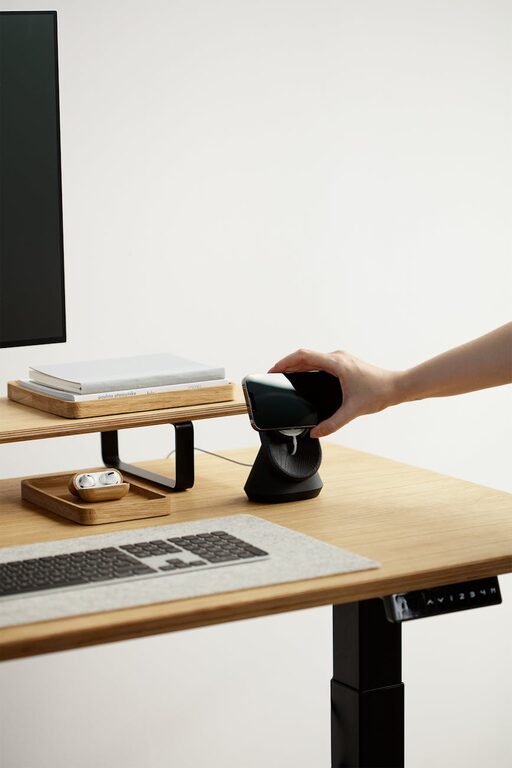
Comfort is key to spending long hours working without strain. Invest in an ergonomic chair that supports your back and promotes good posture. A desk at the right height will prevent discomfort in your shoulders and wrists. If possible, consider a sit-stand desk, which lets you alternate positions and stay active.
3. Optimize Lighting
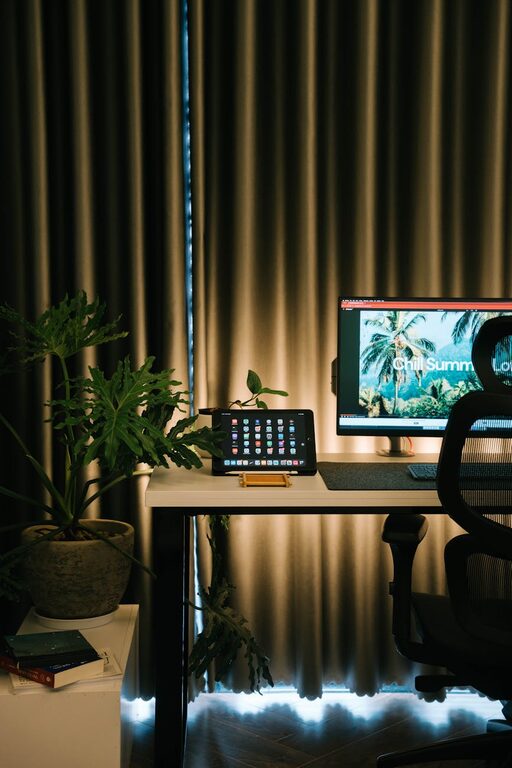
Good lighting reduces eye strain and keeps you energized. Natural light is best, so arrange your desk to face or be near a window. Complement it with layered lighting—such as a soft overhead light combined with a focused desk lamp—to adjust brightness according to the time of day.
4. Keep Your Workspace Organized
Clutter can cause distractions and stress. Use storage solutions like shelves, drawers, or boxes to keep supplies and documents neatly stored. A clean desk forces fewer visual distractions and helps clear your mind, priming you for focused work.
5. Personalize Your Space
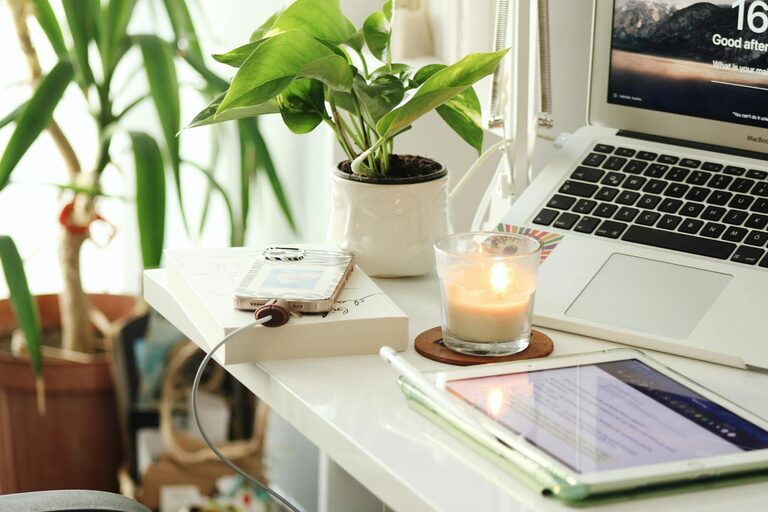
Make your workspace your own by adding personal touches that make you feel comfortable and inspired. This could include plants for fresh air and color, artwork or photos that bring you joy, or a cozy throw blanket. Just ensure personal items don’t create clutter or distractions.
6. Control Noise Levels
Background noise can hinder concentration. Use noise-canceling headphones or play gentle background music if it helps you focus. Alternatively, white noise machines or apps can mask distracting sounds when working in noisy environments.
7. Manage Cables and Tech
Tidy up your cables with clips or sleeves to avoid tangles and increase safety. Ensure your technology setup is efficient—invest in a reliable internet connection, a quality keyboard and mouse, and position screens at eye level to keep your neck comfortable.
8. Set Boundaries and Schedule Breaks
A cozy workspace also means having clear boundaries between work and rest. Use your workspace only for work-related tasks when possible, and step away from the desk during breaks. Regular breaks prevent burnout and keep your mind fresh.
Additional Tips for Enhancing Productivity
– Use a Planner or Digital Tools: Keeping a daily to-do list or using productivity apps can help you stay organized and on track.
– Incorporate Plants: Studies show that plants improve air quality and help reduce stress.
– Keep Hydrated and Nourished: Keep a water bottle nearby and healthy snacks accessible to maintain energy levels.
– Set the Temperature: Ensure your workspace is neither too hot nor too cold to stay comfortable.
Conclusion
Creating a cozy and productive home workspace doesn’t require a complete overhaul or expensive equipment. By focusing on comfort, good lighting, organization, and personal touches, you can transform any space into a workspace that supports your productivity and wellbeing. Start with small changes and tailor your space to fit your unique preferences and needs, and you’ll discover a more enjoyable and efficient work-from-home experience.
About the Author