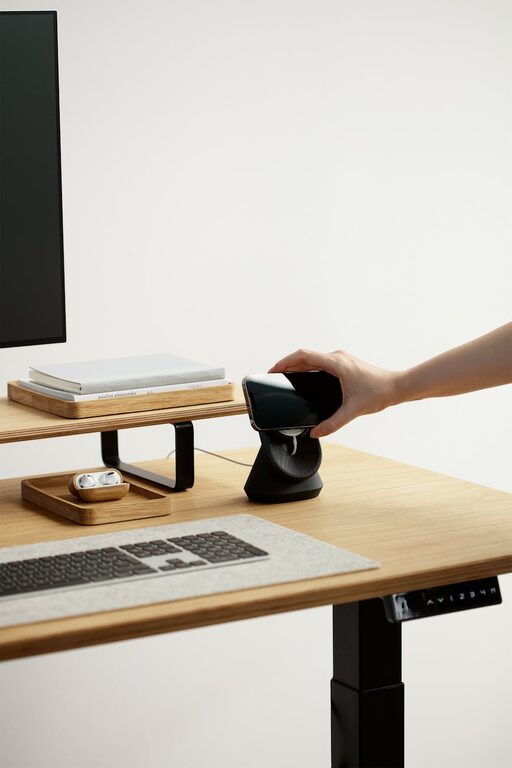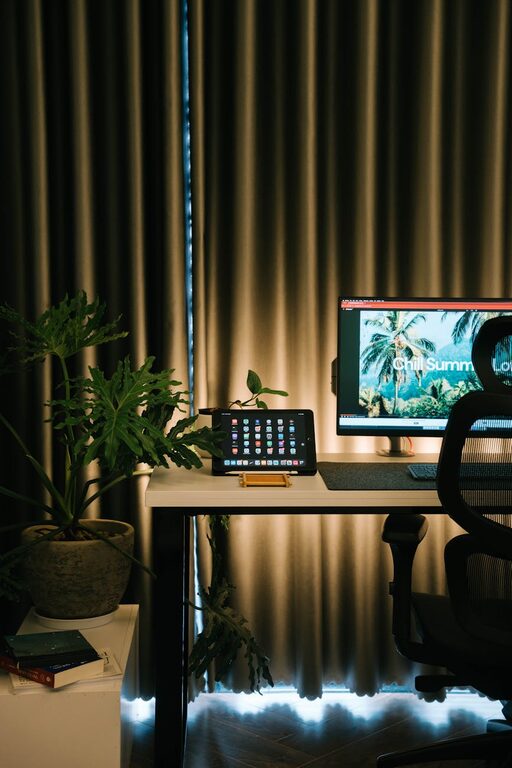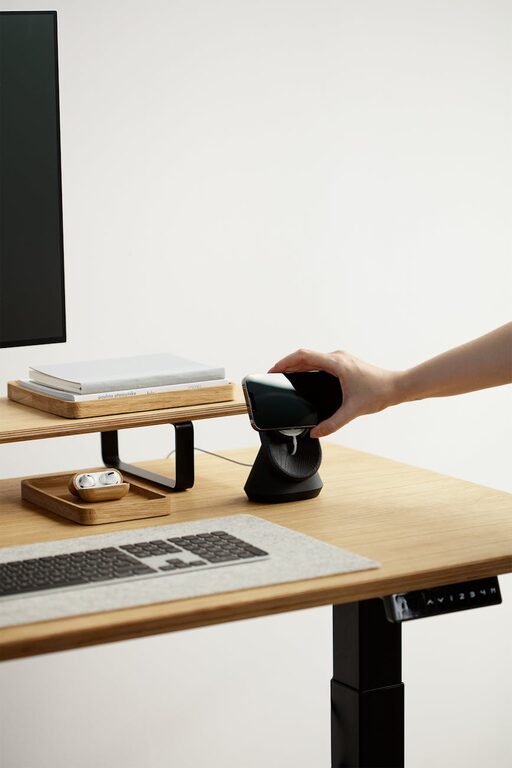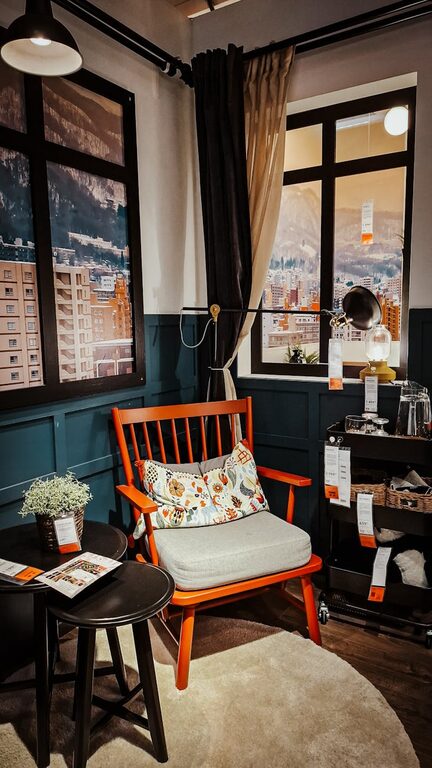
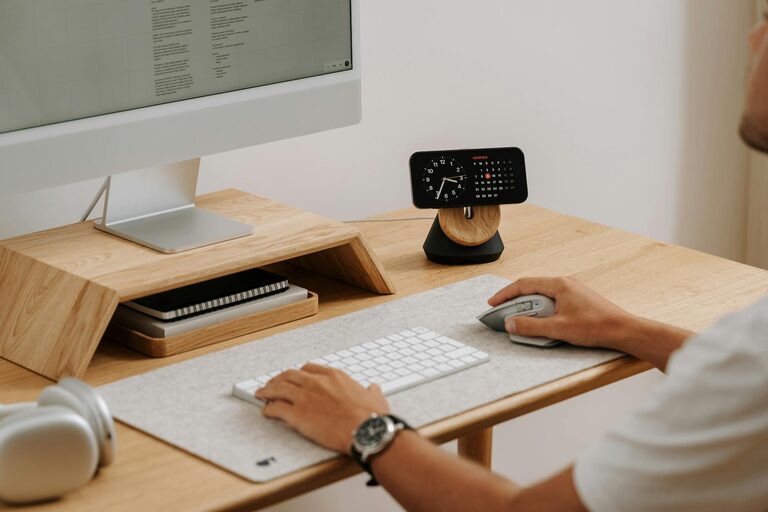
Creating a relaxing home workspace is essential for maintaining focus and boosting productivity. When you work in an environment that feels calm and inviting, it’s easier to stay motivated and efficient throughout the day. Whether you work remotely full-time or occasionally from home, setting up the right space can make a big difference in your work experience.
In this post, we’ll share practical tips to help you design a home workspace that promotes relaxation as well as productivity.
Why a Relaxing Workspace Matters
Your work environment has a direct impact on how well you perform tasks and manage stress. A cluttered or uncomfortable setup can distract you, slow your workflow, and increase tension. On the other hand, a thoughtfully designed area that prioritizes comfort and organization can help your mind stay clear, improve focus, and even lift your mood.
Creating a relaxing workspace isn’t about luxury; it’s about making smart choices that support your well-being and work habits.
Choose the Right Location
Start by selecting a quiet, well-lit area with minimal distractions. If possible, designate a spot in your home specifically for work. This separation helps your brain associate the area with focused activity and signals when it’s time to switch between work and relaxation.
Tips for choosing the best spot:
– Near a window for natural light
– Away from noisy rooms or high-traffic areas
– Close to power outlets for your devices
– Space to move comfortably
Prioritize Comfort and Ergonomics
A comfortable chair and desk setup can prevent aches and keep you energized throughout the day. Investing in ergonomically designed furniture supports your posture and reduces physical strain.
Key ergonomic considerations include:
– Chair height aligned with your desk
– Feet flat on the floor or on a footrest
– Monitor at eye level to avoid neck strain
– Keyboard and mouse positioned to keep wrists straight
Taking care of your body encourages longer, healthier work sessions.
Declutter and Organize
Clutter can contribute to stress and reduce productivity. Keeping your workspace neat helps you focus and find what you need quickly.
Ways to stay organized:
– Use drawers or storage boxes for supplies
– Keep only essential items on your desk
– Employ cable organizers to manage wires
– Dedicate a place for documents and files
Regular tidying sessions make maintaining order easier.
Incorporate Calming Elements
Adding touches that promote relaxation can create a soothing atmosphere, making work feel less stressful.
Ideas for calming workspace features:
– Indoor plants to improve air quality and add greenery
– Soft lighting or adjustable lamps instead of harsh fluorescents
– Scented candles or essential oil diffusers with gentle fragrances like lavender
– Artwork or photos that inspire or bring peace
Personalizing your space with these elements can boost your mood and creativity.
Optimize Lighting
Good lighting is crucial for comfort and alertness. Natural light is best, but when that’s not possible, try to mimic daylight.
Lighting tips:
– Position your desk near a window
– Use adjustable desk lamps with warm or neutral light
– Avoid glare on screens by angling monitors correctly
– Complement general lighting with task lights for focused work
Proper lighting reduces eye strain and keeps you alert.
Establish Daily Routines
Even with the perfect workspace, routines help maintain productivity. Having set times for starting, breaks, and ending work allows your brain to adjust and perform efficiently.
Consider these routine habits:
– Begin with a brief planning session
– Take regular short breaks to stretch or relax your eyes
– Use timers or apps to stay on schedule
– End the day with a quick tidying up of your workspace
Routines support a healthy work-life balance and maximize your output.
Minimize Digital Distractions
Technology can both help and hinder productivity. Managing notifications and organizing digital workflow reduces interruptions.
Practical suggestions:
– Turn off non-essential notifications during work hours
– Use apps or browser extensions to block distracting sites temporarily
– Keep your desktop clean and files well-organized
– Schedule specific times to check emails
These steps help keep your focus on the task at hand.
Add Comfortable Extras
Small additions to your workspace can increase comfort and make it more inviting.
Some ideas include:
– Cozy cushions or seat pads
– A water bottle or mug within reach to stay hydrated
– Noise-cancelling headphones or soft background music
– A small fan or heater if temperature control is challenging
Making your space pleasant encourages longer, more productive workdays.
Final Thoughts
Designing a relaxing home workspace is an investment in your well-being and productivity. By choosing the right location, focusing on ergonomic comfort, keeping your space organized, and adding calming touches, you create an environment where you can thrive. Remember, a workspace should support your unique needs and preferences, so tailor these tips to what feels best for you.
With these strategies, working from home can become a more enjoyable and effective experience.
About the Author